Enable two-factor authentication
Two-Factor Authentication is an additional security measure to safeguard your Legalesign account by requiring a one-time password as well as your regular password to access your account.
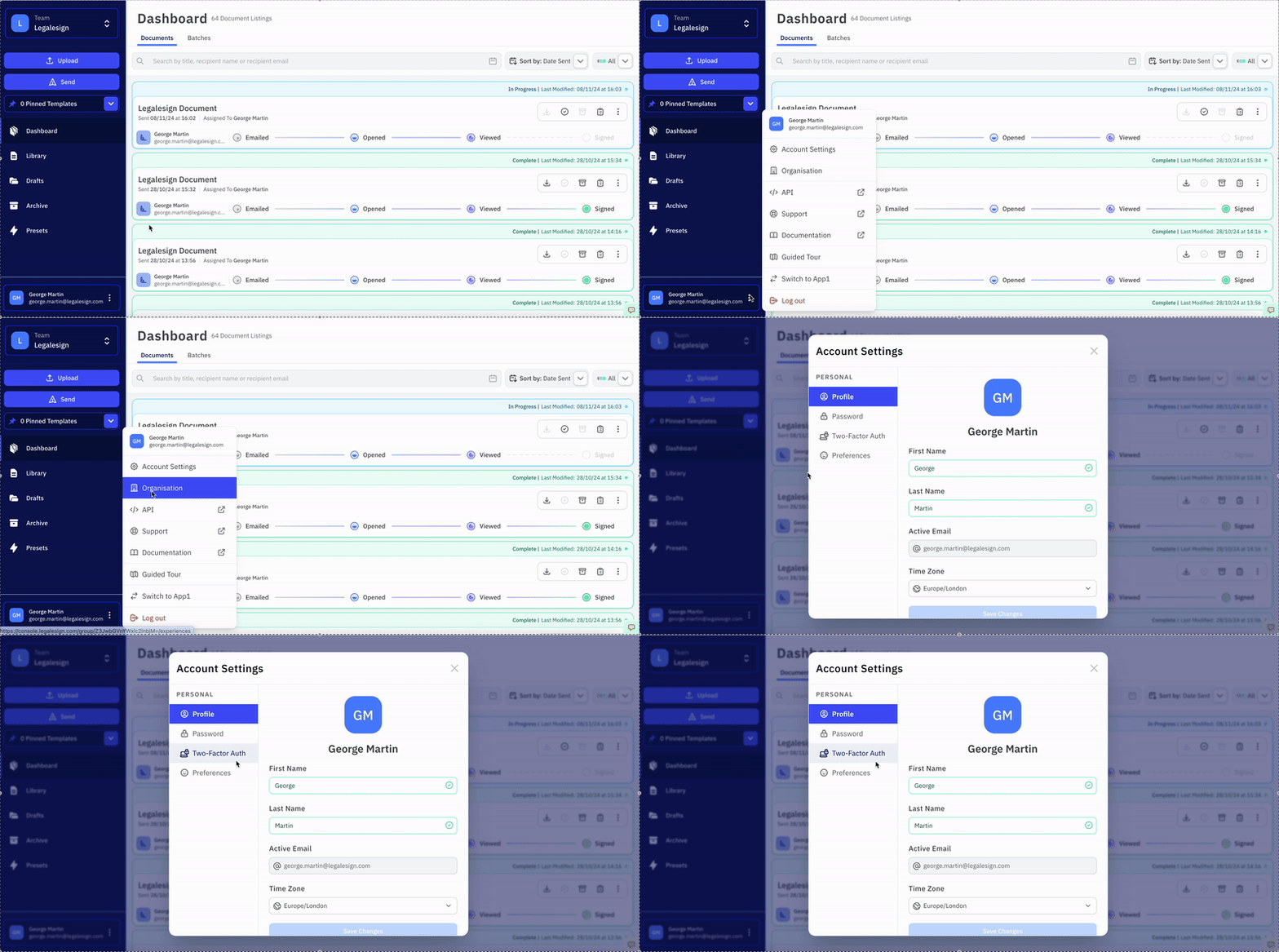
To enable 2FA login:
· Cliciwch ar eich enw yn y gornel gwaelod chwith,
· Ewch i Account Settings, a wedyn i Two-Factor Auth
· Cliciwch y botwm Enable Two-Factor Authentication a chynhyrchwch god QR.
· Sganio'r cod QR gyda'ch app 2FA dewisol, e.e. Authy neu Google Authenticator.
· Rhowch y cod dilysu i gwblhau'r gosodiad.