Duplicate Fields on the Template preparation page
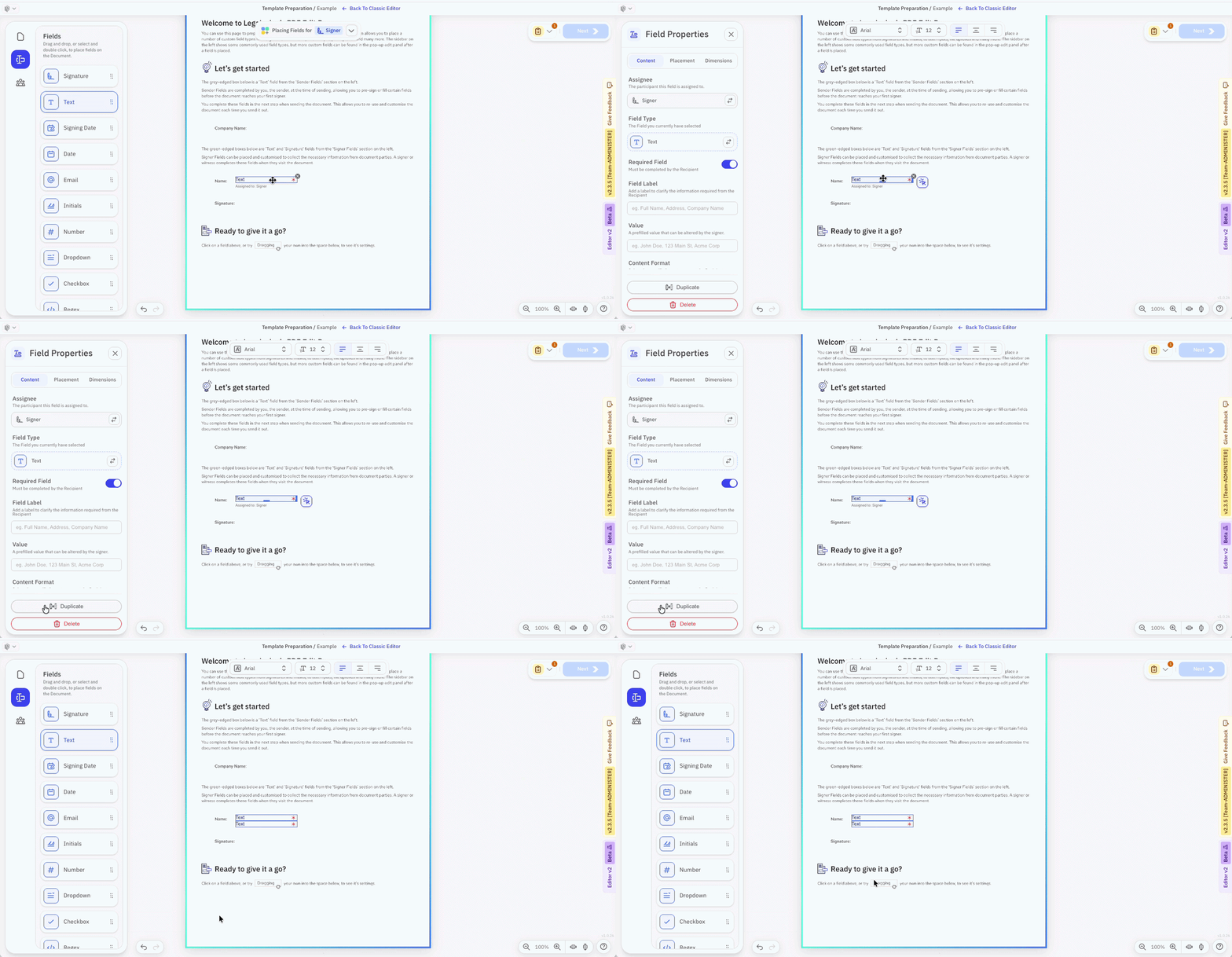
To duplicate individual fields onto the same page:
-
Click the field to duplicate.
-
The left panel shows as 'Field Properties', with the Content tab selected.
-
Click 'Duplicate Field' at the foot that panel.
Or click the field, press then keyboard shortcut 'd'.
To select multiple fields drag your mouse over them to highlight them, or hold down shift and click others, and apply the steps above.