How to use qualified electronic signatures (QES) on Legalesign
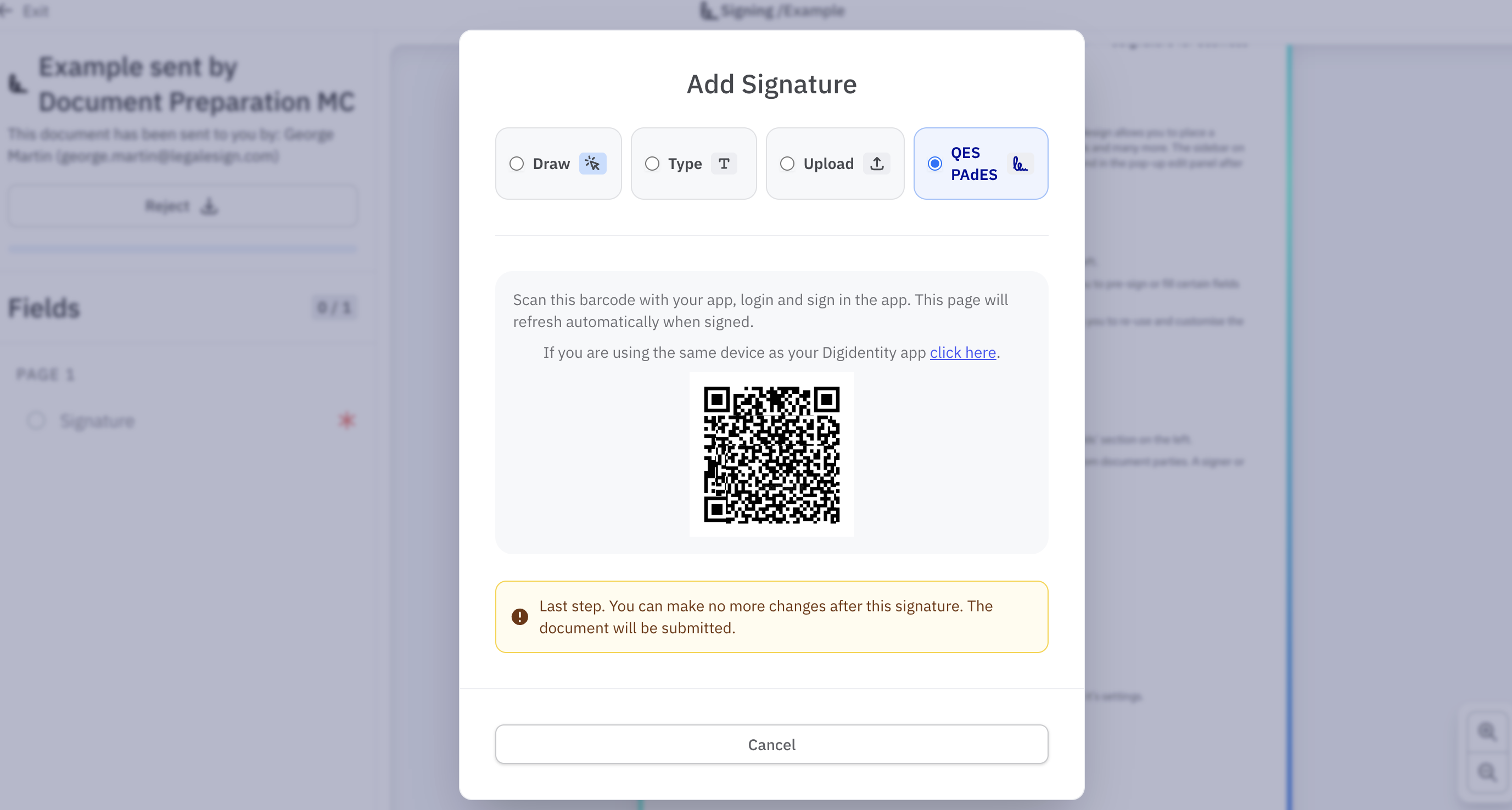
Qualified Electronic Signatures (QES) are the highest standard of electronic signature under UK and EU eIDAS regulations. Legalesign supports QES via Digidentity.
Requirements
To use QES on Legalesign you must have:
- A QES purchased from Digidentity
- The Digidentity app installed on your mobile device
How it works
When a signer opens a document, if they have a valid QES from Digidentity they will be offered the option to sign with QES after selecting their signature fields.
QES signing order and restrictions
Once any signer has applied a QES to a document, all subsequent signers are restricted to QES only. Advanced electronic signatures can be used by signers who sign before the QES signer, but not after.
Any fields completed by signers or approvers after the first QES — including text, date, and other form fields — will use PDF form fields and will appear in the basic PDF style rather than the Legalesign styled format.
Related
- How to sign with QES via Digidentity — video walkthrough
- eWitnessing and HMLR deeds — QES requirements for HM Land Registry submissions