Let previous Recipient decide
When sending a document(s) and you don't know the name and address of a signer, witness, or approver; you can designate the previous Recipient on the Recipients page to fill in those details for you.
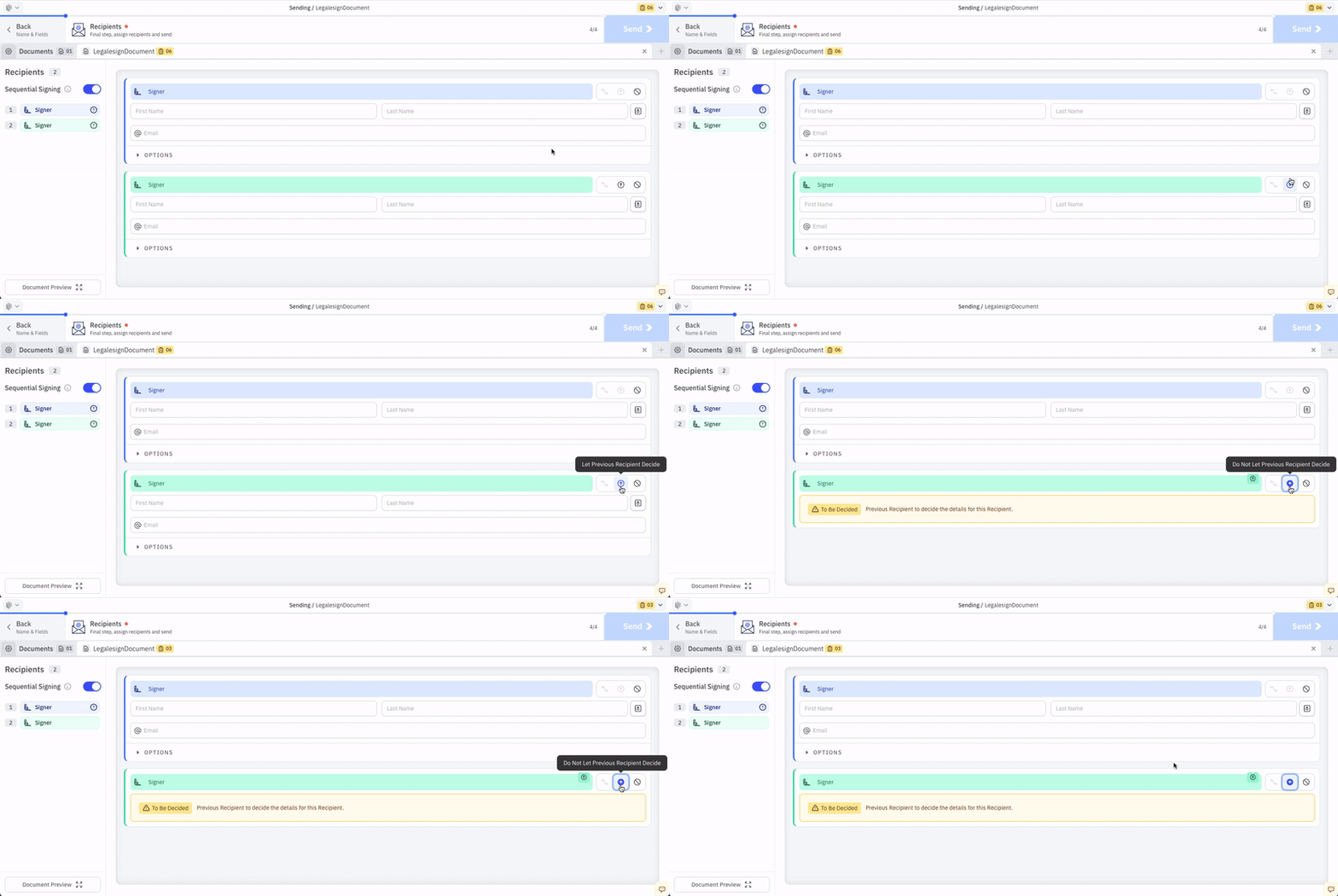
The details will need to be filled in before the previous Recipient can complete the document. The signing link is then forwarded to the email address provided.
The name and email address of the Recipient will still be listed on the Document's Audit Log. So that information will still be available to you.
The first Recipient listed on the Recipients page does not have access to this feature.