Stop tracking email opens
By default, Legalesign tracks whether recipients open the emails it sends. Group admins can disable this on a per-team basis from the Email delivery settings.
Why turn off email open tracking?
- Better deliverability — tracking pixels and wrapped links are a common trigger for spam filters. Disabling tracking produces cleaner emails that are more likely to reach the inbox.
- Simpler signing links — without tracking, signing links are sent as-is rather than wrapped through a redirect, which can improve trust with recipients and reduce link-related delivery issues.
- Privacy — some organisations prefer not to collect open data as a matter of policy.
How to disable email open tracking
You must be a group admin to change this setting.
- Click your team name in the top-left of the Console.
- Click the ⚙ cogwheel icon to open Group Settings.
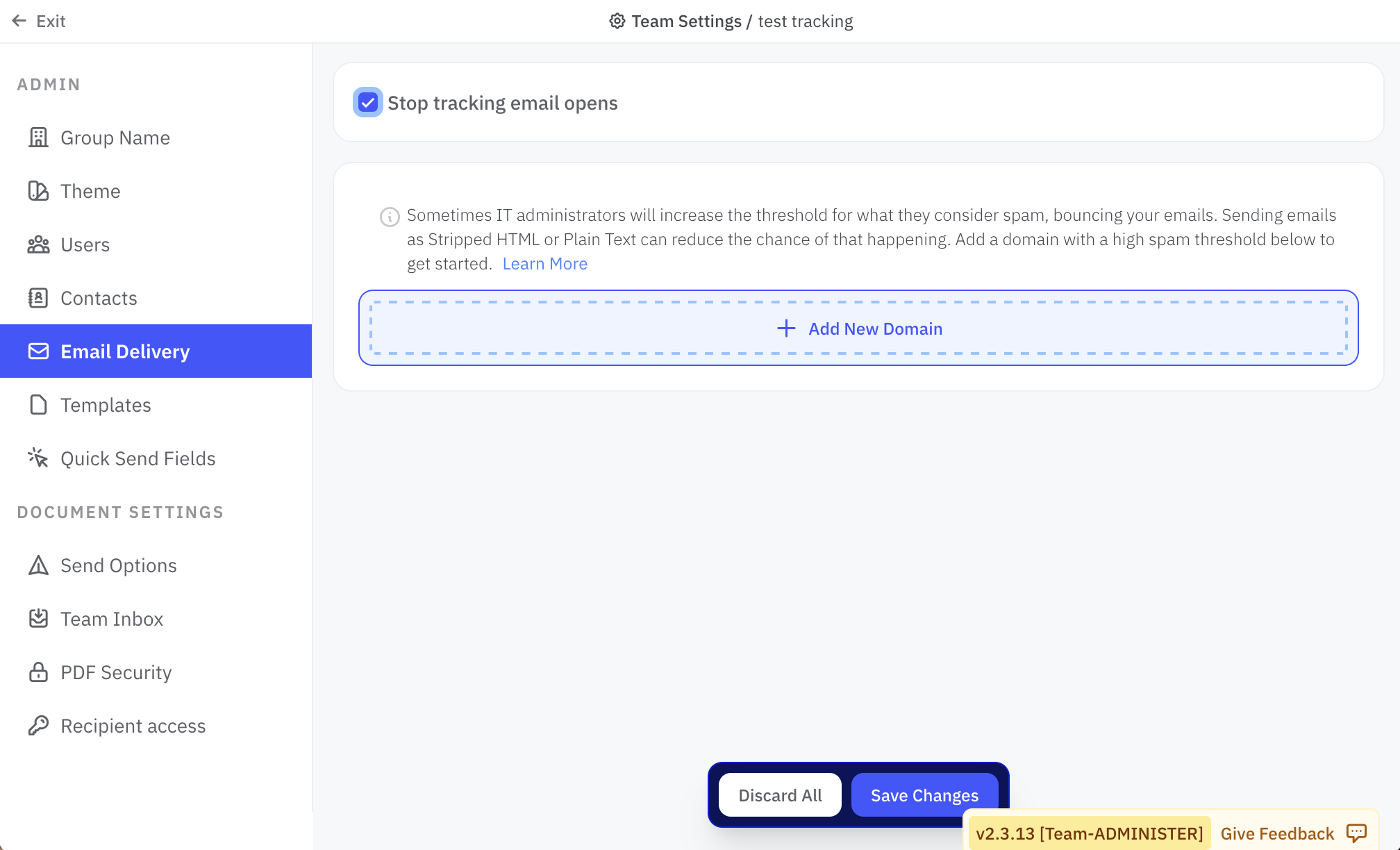
- Select Email delivery.
- Tick Stop tracking email opens.
- Save your changes.
The setting takes effect for all emails sent by your team from that point forward. Existing sent documents are not affected.