Where to download a signed Document
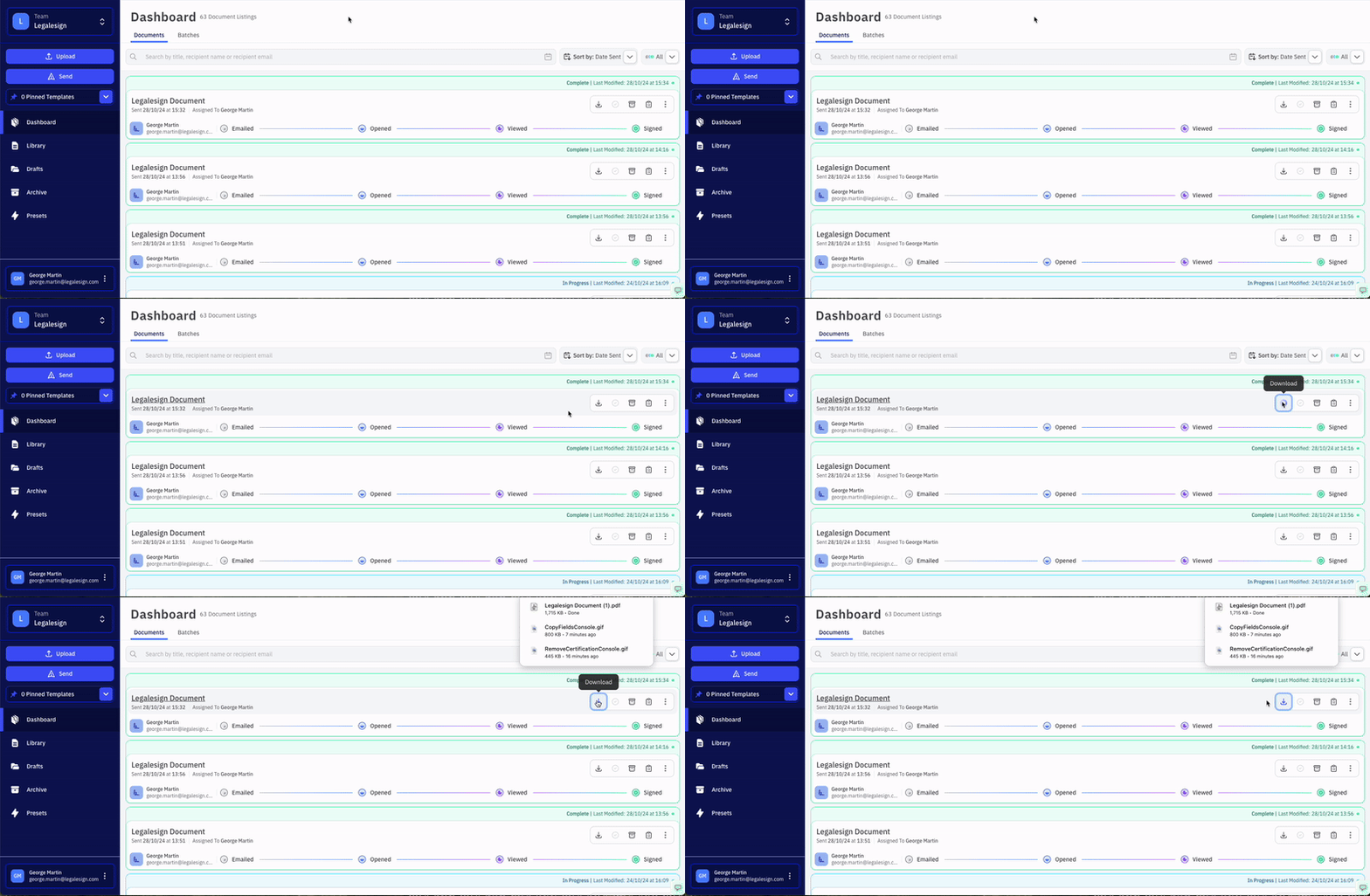
On your Dashboard, you have a list of all your sent and signed documents. Signed documents will be marked as 'Signed' on their cards.
Find your document and click the download option to download.
 If you click on 'More Details' you can also download the completed document from that page.
An unsigned document would need to be 'Marked as Complete' before it can be downloaded. Choose the option "No, I do not have a copy to upload" on the pop-up and then click "Mark as Signed."
If you do not see your signed document in your listings then it may be in the Archive.
To contact support, create a new ticket at support.legalesign.com ↗
To export status and progress information for multiple documents at once, see How to export information about your documents.